

Mega Anime Avatar Creator
Reviews
Mega Anime Avatar Creator provides a satisfying creative experience. The wide range of facial features, hairstyles, outfits, and backgrounds allows for truly personalized characters. Controls are responsive and easy to learn. The game encourages experimentation without any time limits or pressure. It is perfect for short creative breaks or longer design sessions. The ability to save and share avatars adds replay value. A solid choice for anyone who enjoys dress-up games or anime art.
About this game
Game Introduction
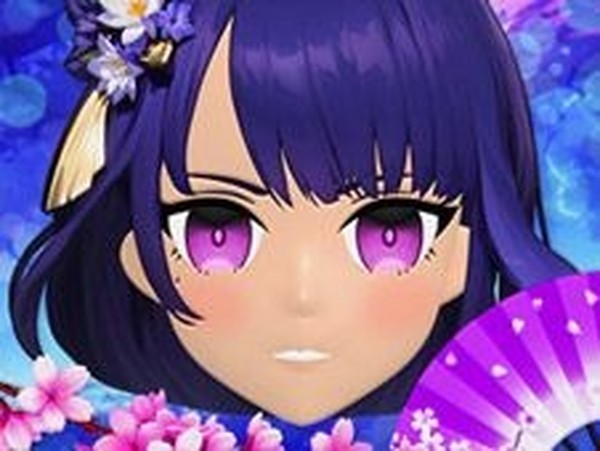
Mega Anime Avatar Creator is an online dress-up game that lets you design your own anime-style character from scratch. The core objective is to create a unique avatar by customizing various features such as facial expressions, hairstyles, clothing, and accessories. This game is designed for anime fans who enjoy creative expression and character design. It offers a relaxing, family-friendly experience where you can experiment with different looks and styles. Whether you want a cute, cool, or quirky character, this tool provides the freedom to bring your vision to life. The game is free to play and requires no downloads, making it accessible directly in your browser.
How to Play
Playing Mega Anime Avatar Creator is straightforward and intuitive. You start by selecting facial features like eye shape, color, and expression. Next, choose a hairstyle that fits your character's personality. Then, pick tops and other clothing items from a variety of styles and colors. Add accessories such as glasses, hats, or jewelry to personalize your avatar further. You can also adjust hand shapes for a unique touch. Finally, select a background to complete the scene. The game allows you to mix and match different options freely until you are satisfied with the result. Once done, you can save or share your creation with friends.
Game Features
Mega Anime Avatar Creator includes a wide range of customization options for facial features, hairstyles, tops, accessories, hand shapes, and backgrounds. The game features a vibrant anime art style that appeals to fans of the genre. It is free to play online with no downloads or sign-ups required. The controls are simple and based on clicking and selecting options, making it easy for users of all ages. The game also allows you to save and share your finished avatars. As a dress-up and character creation game, it emphasizes creativity and personal expression.
Tips for Success
To get the most out of Mega Anime Avatar Creator, start by experimenting with different facial features to find a base look you like. Try combining unexpected hairstyles and clothing colors to create unique designs. Use accessories sparingly to avoid a cluttered appearance, or go bold for a standout character. Save multiple versions of your avatar to compare different styles. Share your creations with friends or online communities for feedback and inspiration. Most importantly, have fun and let your creativity guide you—there are no wrong choices in character design.
❓ Having issues?
✅ This game supports: - Desktop browsers (Chrome, Edge, Safari) - Mobile browsers (Chrome on Android, Safari on iOS) ❌ Does NOT support: - Internet Explorer - Very old browser versions 👉 Try refreshing or updating your browser




Leave a comment